
AI Video Tools for Musicians: What You Need to Know
AI Video Tools for Musicians: What You Need to Know
Creating engaging video content is now essential for musicians to grow their audience. Platforms like TikTok, Instagram Reels, and YouTube Shorts dominate music discovery, with 73% of listeners finding new tracks through short-form videos. However, traditional video production can be expensive and time-consuming.
AI video tools, like SoundRise, simplify this process by automating tasks like syncing visuals to music and offering pre-designed templates. These tools save time, reduce costs, and allow independent artists to create professional-quality videos without technical expertise. For example, SoundRise offers plans starting at $19/month, making it accessible for musicians at any stage.
Key Benefits:
- Faster Video Creation: AI syncs visuals to your music automatically.
- Cost-Effective: Create videos for as little as $10–$15 per minute.
- Faceless Content: Perfect for artists who want to stay off-camera.
- Scheduling Tools: Batch-produce and schedule posts for TikTok.
To stand out, musicians should post 3–5 videos weekly, use trending audio, and include captions for better engagement. With AI tools, you can focus on your music while maintaining a steady online presence.
Create MIND-BLOWING music videos with AI (NEW TOOLS)
SoundRise: AI Video Tool for Music Promotion

SoundRise Pricing Plans Comparison for Musicians
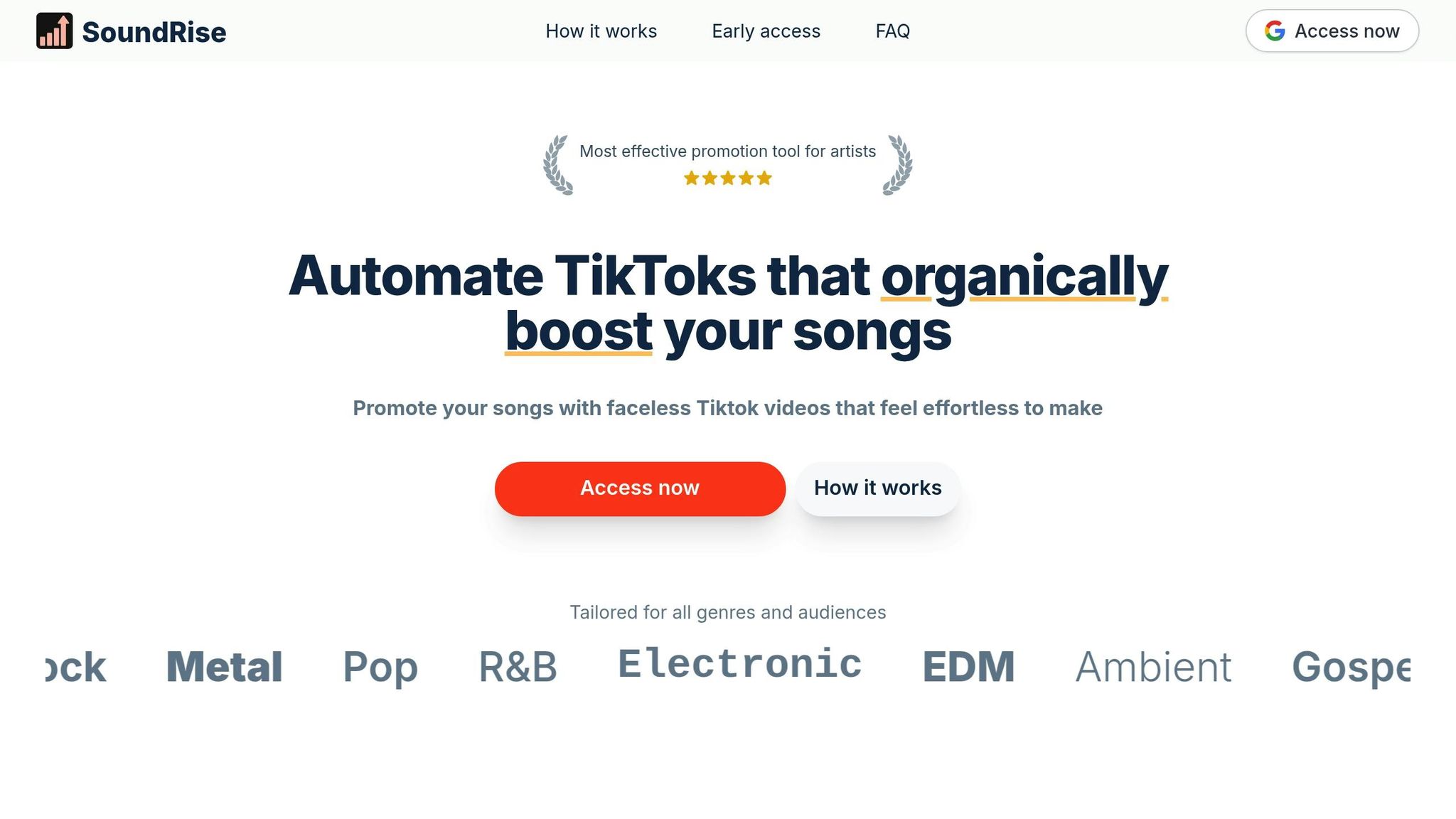
SoundRise steps in as a game-changer for musicians looking to boost their TikTok presence. This AI-powered platform simplifies the process of video creation, enabling artists to transform their tracks into engaging visual content in no time. Designed specifically for music promotion, SoundRise eliminates the need for on-camera appearances or hiring extra talent, making it a perfect fit for independent artists who value their privacy or prefer to let their music take center stage.
By automating the editing process, SoundRise makes creating videos less of a chore. Unlike general-purpose video tools, it focuses solely on music promotion with faceless content, allowing musicians to connect with their audience without stepping in front of the camera.
What SoundRise Offers
SoundRise syncs visuals to your music automatically, offering a variety of formats, including image-based slideshows and faceless videos. The platform tailors these visuals to fit your music's genre - whether it’s lo-fi hip-hop, electronic dance, indie rock, or something else entirely - ensuring your content aligns with your artistic style. It also provides a library of pre-designed templates featuring Pinterest-sourced images, so you can create polished videos without starting from scratch.
The platform goes beyond basic video creation. You can queue multiple videos, schedule posting times, and manage unlimited TikTok accounts, making it ideal for artists juggling multiple profiles or working with a team. Plus, it offers unlimited team member access, streamlining collaboration for bands, agencies, or anyone working behind the scenes.
SoundRise Pricing Plans
SoundRise offers flexible pricing options to meet the needs of different users:
- Starter Plan: At $19 per month, you get 20 video exports per month, unlimited slideshow drafts, full access to the content library, TikTok publishing, and scheduling tools. This plan is perfect for independent musicians just starting to grow their video presence.
- Growth Plan: For $49 per month, you can export up to 50 videos monthly, retaining all the features of the Starter Plan. This tier is ideal for artists who post frequently across multiple accounts and want to scale their content.
- Custom Plan: Tailored for agencies or labels, this plan offers custom features and scalability. Pricing is available upon request.
| Plan | Price | Exports | Key Features |
|---|---|---|---|
| Starter | $19/month | 20/month | Unlimited slideshow drafts, content library access, TikTok publishing, scheduling |
| Growth | $49/month | 50/month | All Starter features with higher export limits |
| Custom | Contact Sales | Custom | Enterprise solutions, custom features, scalability |
SoundRise combines ease of use with genre-specific customization, making it a valuable tool for musicians looking to build their audience without the hassle of traditional video production.
How to Create Videos with SoundRise
Upload Music and Choose Video Style
Start by uploading your audio tracks in MP3 or WAV format, or simply paste a link from platforms like Spotify, SoundCloud, YouTube, TikTok, and others. This saves you the hassle of downloading files beforehand.
Once your music is uploaded, SoundRise's AI steps in, analyzing your track to perfectly sync visuals with the beat. This eliminates the need for manual editing. From there, you can explore a variety of pre-designed visual themes and templates, each tailored to specific music genres. If you have a unique vision, you can describe it, and the platform will help bring it to life. Many templates include Pinterest-sourced images, giving your videos a sleek and professional finish right from the start.
After selecting your visual style, you’re ready to move on to video generation and scheduling.
Generate and Schedule Your Videos
SoundRise takes care of the heavy lifting by analyzing your track to identify its core themes and emotions. The platform then divides your content into scenes and pairs them with visuals that match the mood of your music. You can tweak these scenes to align with your creative vision.
Once your video looks just the way you want, you can queue multiple videos at once and schedule them for automatic posting to TikTok. This batch scheduling not only saves time but also ensures a steady flow of content. TikTok’s own data shows that campaigns using 5–7 assets refreshed weekly see a 1.5x boost in return on ad spend. By using SoundRise’s scheduling tools, you can keep your content fresh and maximize efficiency without constant manual uploads.
sbb-itb-e87b2af
Getting Better Results on TikTok with AI Videos

TikTok Video Best Practices
TikTok thrives on videos that keep viewers hooked. To boost replays and interactions, grab attention within the first three seconds - this is key to increasing completion rates, which TikTok’s algorithm values highly. When people replay your videos or engage with them, you're more likely to see your content gain traction.
If your video is AI-generated or heavily edited (like deepfakes), always label it clearly using TikTok's post settings or descriptions. Not only is this a platform requirement, but it also helps build trust with your audience while maintaining your organic reach. For optimal engagement, aim for videos that are 10 to 30 seconds long, though one-minute videos can work if they hold attention.
Include AI-generated subtitles in every video. Many users scroll without sound, and captions can pull them in instantly. Pair this with trending audio whenever possible - AI tools can help you spot and use popular sounds quickly, sometimes even before they peak. Posting during your audience's most active hours, identified through AI schedulers or TikTok analytics, can further boost visibility.
Here’s an example of how this works: In June 2025, American Eagle used TikTok's "Showcase Products" feature with AI avatars, resulting in a 60% higher ROAS. This highlights how well-executed AI content can outperform traditional formats.
Once you’ve nailed the basics, you can choose the video format that aligns with your creative vision.
Faceless vs. Slideshow Formats: Which to Use
Both faceless videos and slideshow formats perform well on TikTok, but they serve different purposes.
Faceless AI videos rely on animations, stock footage with voiceovers, or text-based storytelling. These are ideal if you prefer staying off-camera, value privacy, or want to manage multiple accounts in different niches. Thanks to their dynamic visuals, faceless videos often keep viewers engaged longer.
On the other hand, slideshow formats are great for showcasing photos, album art, or creating "Top 10" lists. They’re simple to produce - just drag and drop your images - but generally see slightly lower engagement compared to fully animated videos.
| Format | Best For | Engagement Level | Production Effort |
|---|---|---|---|
| Faceless AI Animation | High-energy tracks, eye-catching visuals, anonymity | High (dynamic visuals grab attention) | Moderate (requires thoughtful prompts) |
| Slideshow/Photo Compilation | Album art, storytelling, "Top 10" lists | Moderate (depends on photo quality/transitions) | Low (easy to assemble) |
| AI Digital Avatars | Professional, multilingual content without actors | Varies (quality impacts engagement) | Moderate (requires clear AI labeling) |
Tools like SoundRise make it easy to create both faceless videos and slideshows, allowing you to align your format with your audience’s preferences. For example, faceless animations pair well with energetic tracks, while slideshows work best for static or text-heavy content. Both formats are scalable, enabling you to batch-produce content without appearing on camera.
Track Performance and Scale Your Content
Once your videos are live, tracking performance metrics is crucial for refining and scaling your content. Focus on watch time, likes, shares, comments, saves, and sound usage stats (how often others use your audio) to measure your reach. For musicians, correlating TikTok performance with Spotify streaming data can reveal whether your views are converting into fans.
SoundRise analytics can help you identify your most effective video styles and schedule posts for consistent engagement. Use A/B testing on video hooks to find which grabs the most attention. For instance, if audio-reactive animations outperform slideshows, you’ll know to prioritize that format.
Here’s a success story: In February 2024, the creator StormCrow used the AI tool neural frames to produce an audio-reactive animation. Within 24 hours, the video reached over 1 million users, thanks to shares from influential accounts. This example shows the viral potential of AI-synced visuals when executed well. Once you discover a winning formula, you can scale your efforts by creating variations tailored to different audience segments.
With tools like SoundRise scheduling, you can keep your content fresh and streamline production. 68% of businesses report better content marketing ROI through AI, largely because automation eliminates the need for manual uploads. As your library grows, repurpose successful videos by tweaking visuals or adapting them for other platforms, squeezing maximum value from every piece of content you create.
Conclusion
Key Takeaways
AI video tools have drastically simplified the way musicians promote their work online. Gone are the days of needing pricey equipment, a full production crew, or spending weeks perfecting a video. Tools like SoundRise can instantly turn your music into eye-catching, TikTok-ready clips.
These tools can cut video production costs by as much as 80%. Features like auto-captions make your videos accessible to viewers scrolling with the sound off, while faceless video formats let you churn out content without stepping in front of the camera. Plus, you can repurpose content and schedule posts with ease, making it simpler to maintain a consistent online presence.
Start using these tools today to elevate your music promotion strategy.
Next Steps
Create a SoundRise account and dive into experimenting with different video formats. The Starter plan is a great place to begin - it lets you explore various video styles and scheduling features. Upload a few tracks, tweak the visuals to align with your brand, and schedule posts during peak engagement times for your audience.
Keep an eye on which videos perform best, test out different hooks, and reuse formats that resonate with your audience. The sooner you start creating, the quicker you can build momentum and turn those views into streams.
FAQs
How can SoundRise's AI video tools help musicians promote their music?
SoundRise offers AI-powered video tools that make it simple for musicians to produce eye-catching, high-quality video content. Whether you’re creating TikTok clips, faceless videos, or slideshow-style visuals, these tools are designed to grab attention and enhance your social media presence.
By automating tedious tasks like video editing and content creation, SoundRise lets musicians spend more time focusing on their music. Whether you’re promoting a new track or finding creative ways to engage with your audience, these tools make video marketing both easy and impactful.
What features does SoundRise offer for creating videos?
Currently, details about SoundRise's video creation features are unavailable. However, the platform is focused on providing musicians with tools to improve their music promotion. For the most up-to-date information, it’s a good idea to check out the platform directly or keep an eye out for future announcements.
How can musicians use AI tools to create better TikTok videos?
Musicians looking to make a splash on TikTok can now tap into AI tools to streamline and elevate their video creation process. Platforms like Pictory make it easy to sync visuals, captions, and lyrics to your tracks, crafting polished, vertical-format videos perfect for TikTok. This is particularly handy for creating “faceless” content that keeps the spotlight on your music.
For those who prefer a scripted or animated approach, tools such as Runway and Synthesia let you create avatar-driven or animated videos, offering a creative way to engage with your audience without stepping in front of the camera. AI can also help you repurpose longer videos by pinpointing the most captivating 15-30 second clips and adding eye-catching text overlays that align with trending hashtags.
With features like automatic beat synchronization, caption generation, and styling, these AI tools empower musicians to churn out high-quality TikTok content quickly and consistently, ensuring their videos stay fresh and aligned with the platform’s algorithm.